
The four screens you’ll use most
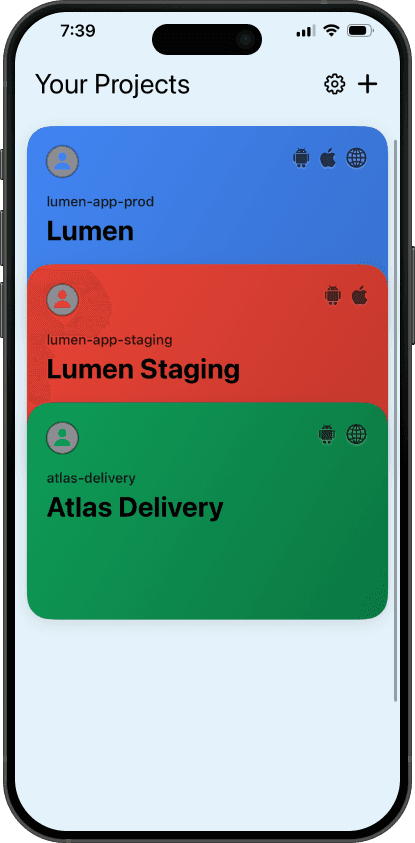
Projects
Every project, one list
Prod and staging side by side, colour-coded, with platform badges so you know at a glance which targets Android, iOS or web.
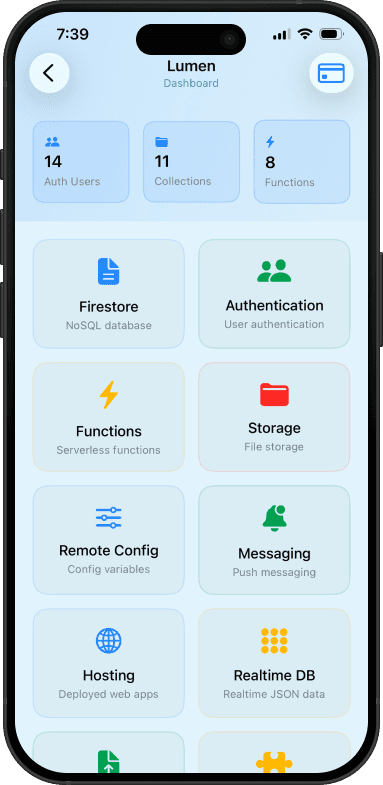
Dashboard
The whole project at a glance
Auth users, collections and function counts up top. Firestore, Functions, Storage, Remote Config, Messaging, Hosting and Realtime DB one tap below.
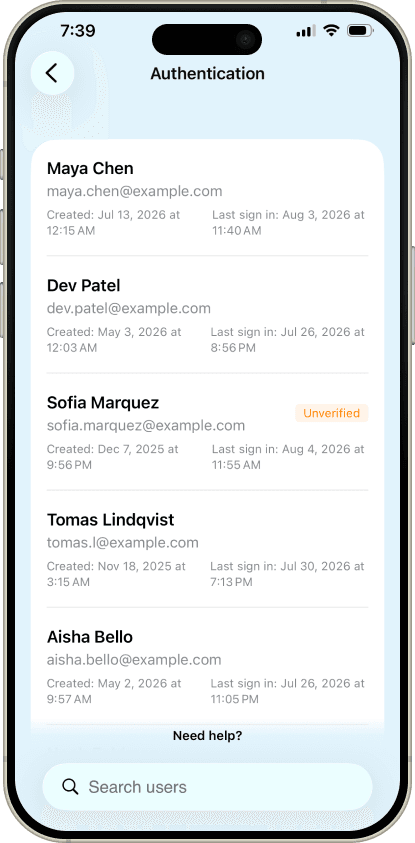
Authentication
Who signed in, and when
Every user with created and last-seen timestamps, unverified accounts flagged, and search when the list gets long.
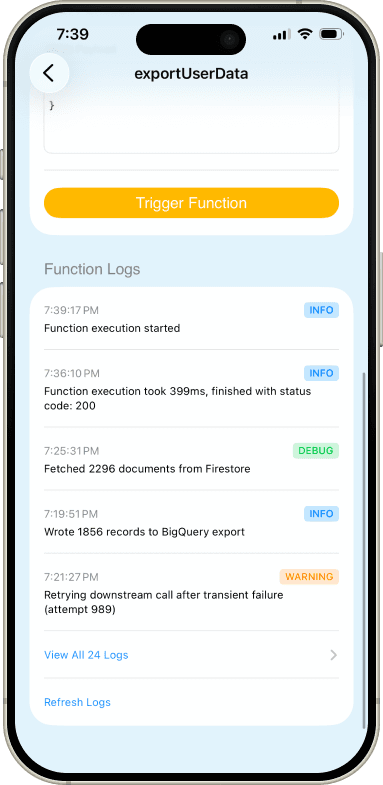
Function logs
Function logs on your phone
Execution time, status code and severity on every line, so you can see what a function did without reaching for a laptop.
Firebase guides
All guides →- A Firebase Console App for AndroidGoogle does not ship a Firebase console app for Android. What you can do in a mobile browser, and what a native app adds.4 min read
- How to Edit Firestore Data From Your PhoneA wrong flag in one document can break an app for everyone. How to find it and fix it from a phone.4 min read
- How to Send a Firebase Push Notification From Your PhoneTesting push usually means curl and an access token. How to send an FCM message from an iPhone instead.4 min read
- How to Check Cloud Functions Logs on Your PhoneWhen a function starts failing, the logs tell you why. How to read them from your phone.4 min read